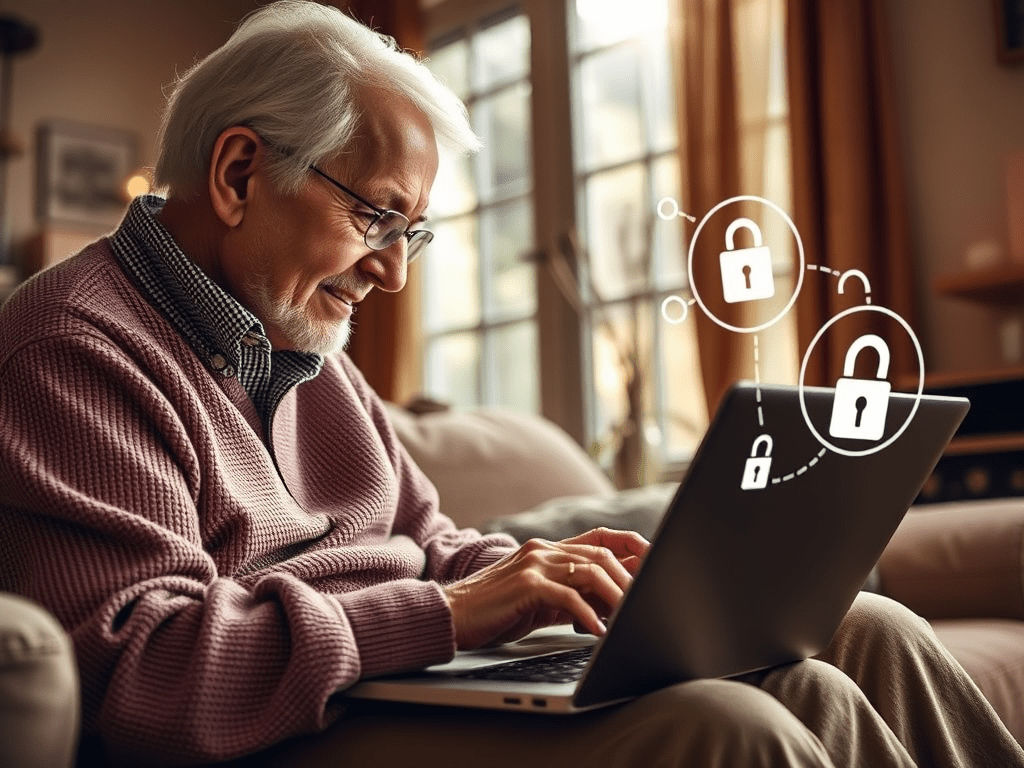
As more of our everyday tasks move online—shopping, banking, chatting with loved ones—it’s more important than ever to protect your personal information. While technology can make life easier and more connected, it also comes with risks like scams, identity theft, and privacy breaches. The good news? You don’t need to be a tech expert to stay safe. This guide offers simple, practical tips to help you improve your online safety and privacy, one step at a time.
1. Use Strong, Unique Passwords (And Manage Them Easily)
One of the easiest ways to protect your online accounts is to use strong, unique passwords. A strong password includes a mix of letters, numbers, and symbols. Don’t use the same password for multiple accounts—if one gets stolen, the others are at risk too.
If remembering multiple passwords sounds overwhelming, consider using a password manager. These tools securely store all your passwords and can fill them in for you when needed. Some popular and senior-friendly options include Bitwarden, 1Password, or LastPass. Most are very simple to use after setup—and much safer than writing passwords on paper or reusing the same one everywhere.
2. Enable Two-Factor Authentication for Extra Protection
Even with a strong password, it’s a good idea to add another layer of security. This is where two-factor authentication (2FA) comes in. When you log into an account, 2FA requires a second step—like entering a code sent to your phone or using an app—before letting you in.
Think of it like locking your front door and then having a chain lock as well. Services like Google, Facebook, Amazon, and many banks now offer 2FA. It’s an excellent way to stop hackers, even if they somehow get your password. Ask a trusted friend or family member to help you set it up if needed—it’s worth it.
3. Watch Out for Phishing Emails and Suspicious Messages
Phishing is one of the most common online scams—and it’s aimed at everyone, especially seniors. Scammers often send emails or texts pretending to be from your bank, the IRS, or even a friend, trying to trick you into clicking a link or sharing personal information.
Here’s what to watch for:
- Emails with poor grammar or strange wording
- Urgent messages saying your account is locked or your money is at risk
- Requests for passwords or Social Security numbers
If you’re unsure, don’t click. Instead, call the official number of the organization (never the one in the message) or ask someone you trust.
4. Be Careful What You Share on Social Media
It’s wonderful to stay in touch with family and friends through Facebook or other social media platforms. But be careful about what you post. Scammers can use the information you share—like your birthday, hometown, or vacation plans—to guess your passwords or even trick others into thinking they’re you.
Take a moment to review your privacy settings. You can control who sees your posts and who can send you messages. Avoid accepting friend requests from people you don’t know, and don’t share private details like your address or travel dates publicly.
5. Keep Your Devices and Wi-Fi Secure
Just like you lock your front door, it’s important to protect your digital devices. Make sure your computer, smartphone, or tablet is updated regularly. Updates fix security flaws and keep hackers out. If you’re not sure how to update your device, ask a family member or check the settings menu.
Install a reputable antivirus program, and make sure your Wi-Fi has a strong password. Avoid using public Wi-Fi for things like banking or shopping. If you must use it, don’t log into any accounts or enter sensitive information.
6. Stay Vigilant and Ask for Help When Needed
Online safety isn’t about doing everything perfectly—it’s about staying alert, asking questions, and learning bit by bit. Don’t be afraid to ask a trusted friend, relative, or even your local library for help if something seems confusing. Many communities offer free tech support programs or classes just for seniors.
You can also sign up for alerts from trusted sources like the Federal Trade Commission (FTC) or visit websites like AARP.org that regularly publish scam warnings and safety tips tailored to older adults.
7. Conclusion: You’re in Control of Your Digital Safety
Technology is a wonderful tool—and you have every right to enjoy it without fear. By taking just a few simple steps, you can dramatically reduce your risk of being scammed or having your information stolen. Start with the basics: strong passwords, 2FA, and watching out for suspicious messages. With a little awareness and the right tools, you’ll stay safer online and more confident navigating the digital world.
Stay safe, stay connected, and never hesitate to ask for help—because your peace of mind is worth it.
